It is November. The file is due, the population is 4,000 lines long, and someone has been asked to select 25 items at random.
A few entries near the top look promising. A round number catches someone's eye. Another transaction looks unusual enough to deserve a closer look. Before long, there are 25 selections, and the team moves on.
Nobody was careless. People simply aren't good random-number generators. We naturally gravitate towards certain positions, avoid awkward values and favour whatever catches our attention. What feels random isn't necessarily random at all.
That is selection bias, and it is exactly what ISA 530 expects auditors to guard against.
The standard recognises both haphazard and random sampling, but random sampling is a statistical method, while haphazard is non-statistical.
Although no structured technique is used, an auditor would nonetheless avoid any conscious bias or predictability (for example, avoiding difficult to locate items, or always choosing or avoiding the first or last entries on a page) and thus attempt to ensure that all items in the population have a chance of selection. Haphazard selection is not appropriate when using statistical sampling.
ISA 230 adds another consideration: an experienced auditor with no previous connection to the engagement should be able to understand how the sample was selected simply by reviewing the audit file.
So, what can you do?
Start by reconciling the population to the trial balance to establish completeness. Use a random-number method rather than your eyes, and if you use Excel's RAND or RANDBETWEEN functions, paste the results as values immediately. Otherwise, they recalculate, and your sample can change the next time the workbook is opened.
Finally, document the population source and date, population size, sample size, selection method and who performed it. Keep the selection and supporting record together.
None of this requires specialist software. But it does require consistency and a process that can be repeated.
This is where the Sampling with the Audit Toolbar comes in.
Its Random Sampling function removes the need to build or maintain your own random-number logic in Excel. You define the population and sample size, and the function handles the selection.
A seed value allows a reviewer to regenerate the same sample from the same data. Everything runs locally in Excel, so client data is not transmitted externally. The method also supports the relevant ISA sampling requirements through a defined methodology, with clear limitations.
And this isn't simply a claim about what the tool can do. Jack Woolner, Audit Manager at Dux Advisory, described the difference when moving away from an entirely manual sampling process:
“With just a few clicks, we can instantly generate statistically sound samples.”
Of course, the function selects from the population you provide. It does not establish population completeness, determine sample size or evaluate results. Without a seed value, a repeated selection produces a different sample, so use and record one where reperformance is required.
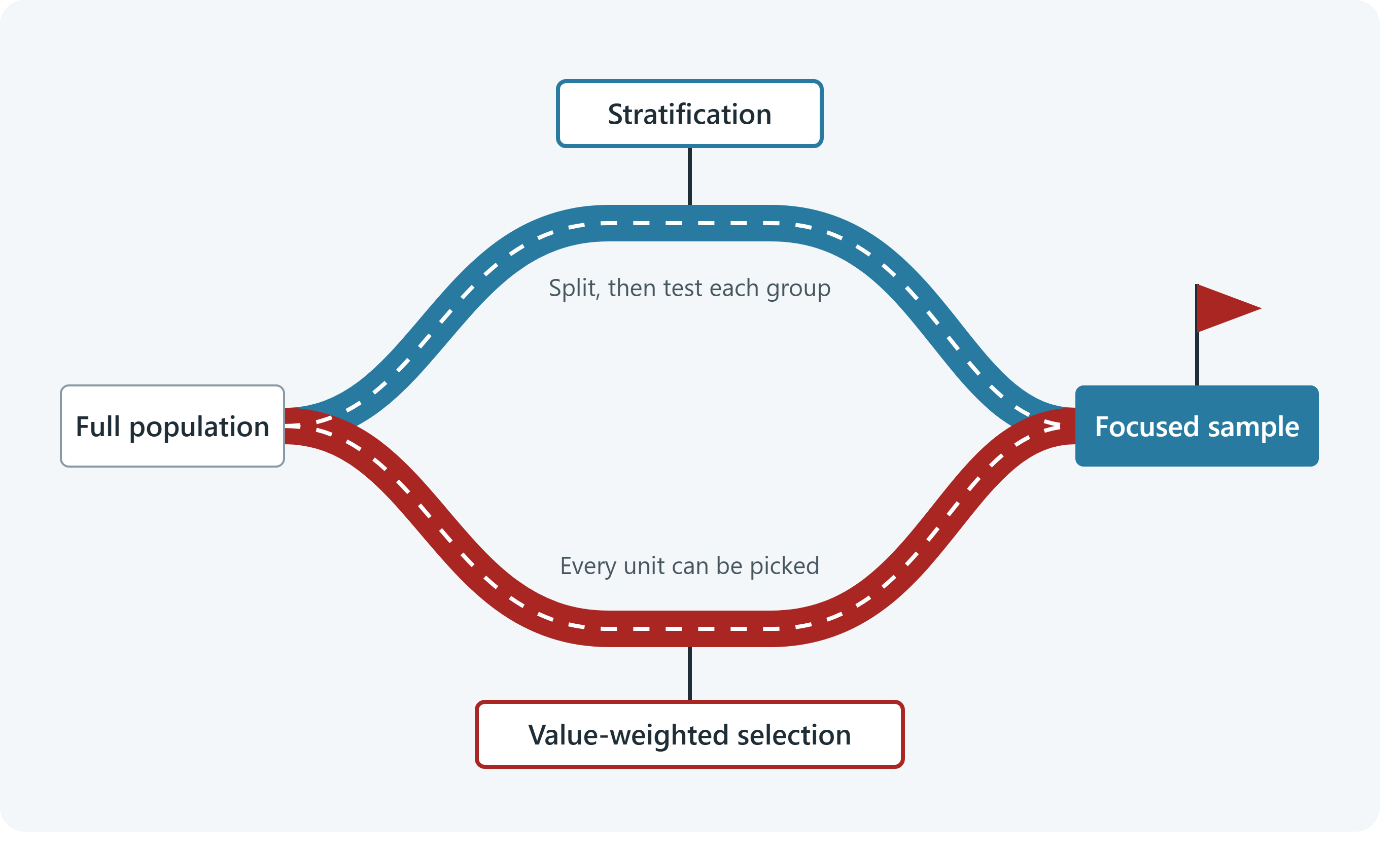
Every item also has an equal chance of selection, regardless of value. Larger transactions may therefore be missed. Where appropriate, include items above materiality or consider Monetary Unit Sampling (MUS).
The objective isn't to hand professional judgement over to a spreadsheet. It's to remove unnecessary subjectivity from the selection process, leaving auditors to focus their judgement where it matters.
Interim audits are under way, and year-end planning is next. Now is a sensible time to consider which parts of the sampling process could be made more consistent before busy season.
Because a selection that looks random isn't necessarily random. And one that cannot be explained is difficult to defend. The Audit Toolbar gives you the power to get the same answer twice. Repeatability is crucial.
Next week, we look at what happens to the large items when the sample is picked by hand.
Until next time,
Christiaan
When selection is left to the person holding the mouse, unconscious bias can find its way into the process.
The Audit Toolbar's Sampling Tool includes a Random Sampling function that:
- Generates random samples directly in Excel.
- Offers an optional seed value for reproducible selections.
- Keeps client data local, without external transmission.
- Supports a consistent sampling methodology aligned with relevant ISA requirements.
The auditor remains in control of the population, sample size and evaluation of results. The tool simply makes selection more consistent and easier to reproduce.
See the Sampling Tool run on a population like yours.
Help your team work faster in Microsoft Excel without
sacrificing control, traceability, or audit quality.